 Wolia
Wolia
Tiny taps.
Big changes.
Wolia is a habit journal on your Apple Watch. Set weekly goals for healthier habits, log them in a tap, and build a routine that lasts — week after week.
Coming soon to the App Store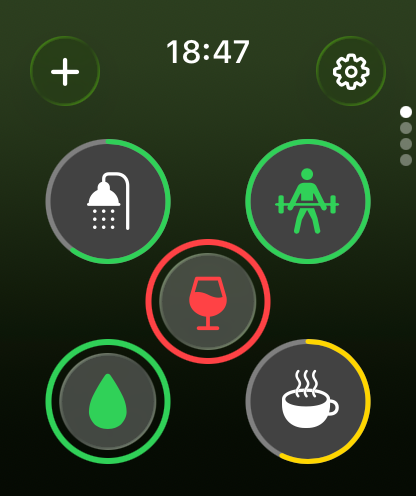
Two taps. That’s it.
No menus, no typing. Log a habit right from your watch face.
-
Step 1
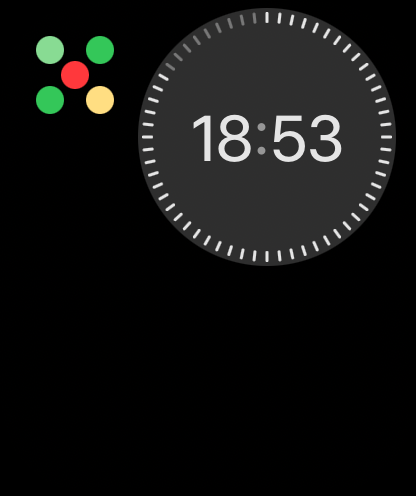
Tap your watch face.
Add the Wolia complication to your watch face. It shows your week at a glance and opens the app in one tap.
-
Step 2
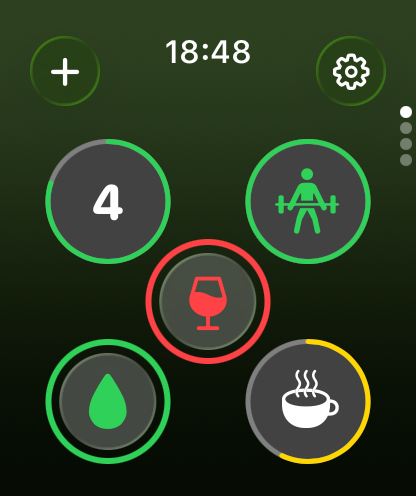
Tap your habit.
One tap logs it, and a gentle haptic on your wrist confirms it landed. Your new count flashes up.
Build some. Limit others.
Set a weekly goal for the habits you want more of, and a limit for the ones you want less of.
-
Goals
Build what you want more of.
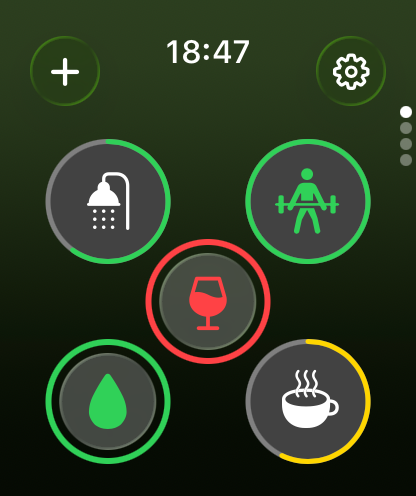
A green ring fills with every log. Reach your goal and the habit turns green. Keep going, and a bold green ring marks the extra effort.
-
Limits
Keep the rest in check.
A yellow ring shows how much of your allowance is used. Reach the limit and the habit turns yellow. Go past it, and it turns red.
Know where you stand.
Every tap adds up to a clear picture — of your whole week, and of each habit on its own.
-
This week
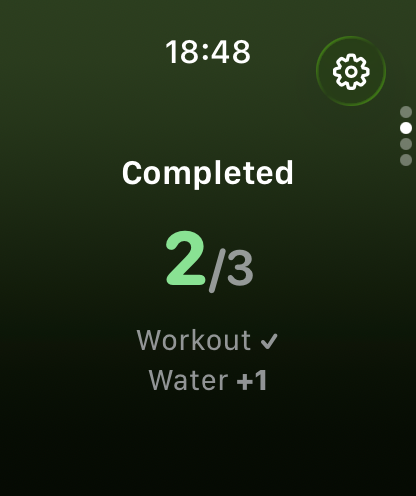
Goals completed.
See how many of this week’s goals you’ve already reached — and which ones.
-
This week
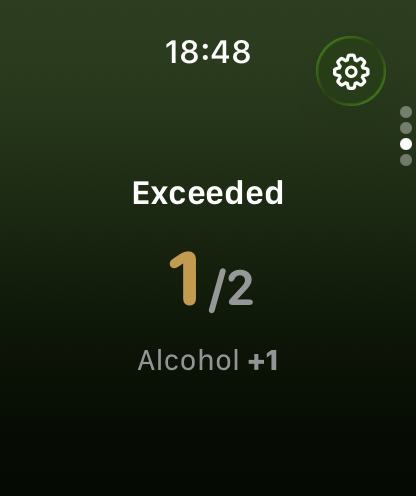
Limits exceeded.
Know at a glance which limits you’ve gone past, and by how much.
-
This week
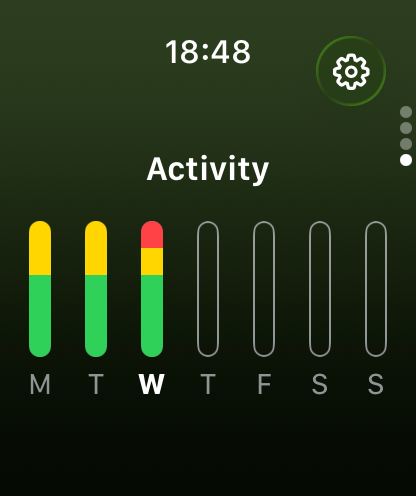
Your week, day by day.
One chart for every habit. Each day’s bar shows how your goals and limits balanced out.
-
Each habit
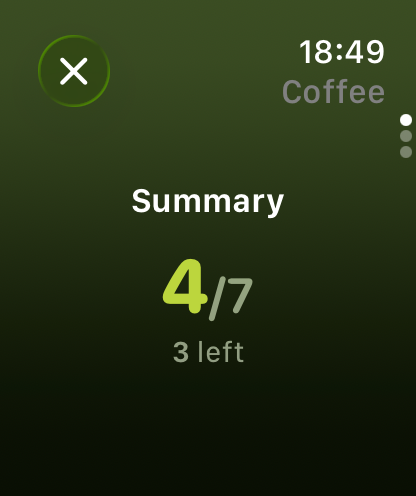
Where it stands.
Hold any habit to open its analytics, starting with this week’s count against its goal or limit.
-
Each habit
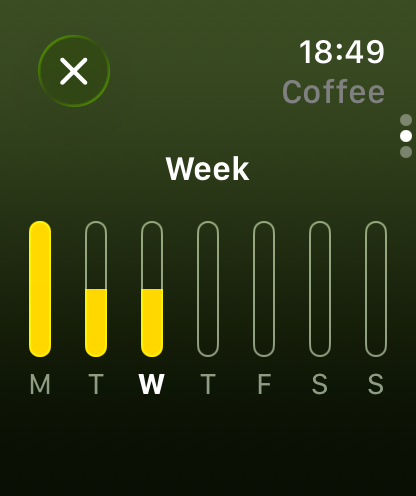
Which days it happened.
See this week day by day, so patterns are easy to spot.
-
Each habit
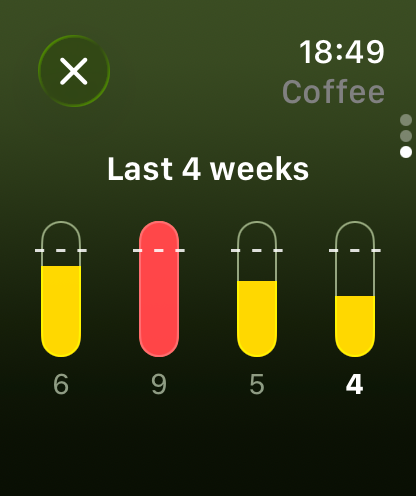
The last four weeks.
Compare this week with the three before it, each measured against the goal it had at the time.
A fresh start every week.
At the start of each week, Wolia walks you through how the last one went and helps you plan the next. A reminder keeps it on your radar.
-
Review
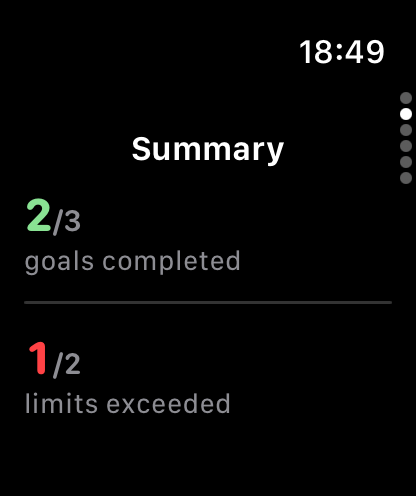
See how it went.
Last week at a glance: how many goals you completed and how many limits you went past.
-
Plan
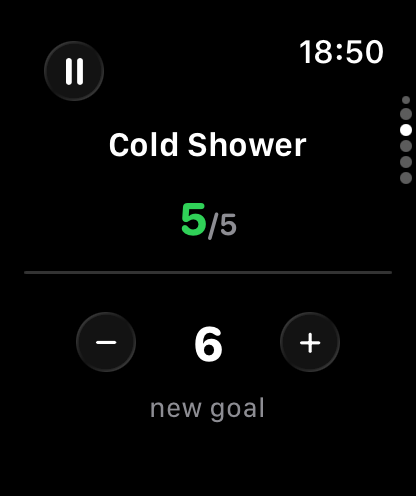
Set the next goal.
Go habit by habit. See last week’s result and raise the bar — or ease it — for the week ahead.
-
Pause
Take a break.
Not this week? Pause a habit and it steps off your dashboard. Its history stays, and you can add it back whenever you’re ready.
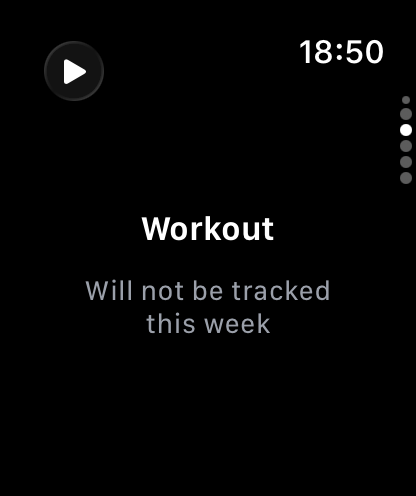
Made for your wrist.
Everything happens on Apple Watch. No iPhone app to open, no menus to dig through.
Always a glance away.
The complication shows every habit as a colored dot, so you see how your week is going without opening a thing.
Feels right.
Every log answers with a haptic and your new count, so you know it landed without looking twice.
Up to seven habits.
Enough to shape your week, few enough to keep every one of them in view on a single screen.
In sync.
Your habits and history sync through your own iCloud account.
Small habits.
Big results.
Wolia was inspired by the ideas in Atomic Habits by James Clear: tiny, consistent actions add up over time. Wolia makes those actions easy to track, right where you already look.
Private by design.
Your habits are nobody’s business but yours.
No account.
Nothing to sign up for. Open the app and start.
No ads, no tracking.
Wolia has no analytics and shares nothing with third parties.
Your iCloud.
Data stays on your watch and in your private iCloud account. We never see it.
Wolia doesn’t collect, sell or share personal data. Habits, logs and settings are stored on your device and synced through your private iCloud account, which only you can access. Questions? [email protected]